Make talent quality your leading analytic with skills-based hiring solution.
An AI screening interview is the first round of a job interview, run by software instead of a recruiter. It might be an AI voice call, a chat, recorded video questions, or a conversation with an AI interviewer. The same things that win a human screen still win here: clear answers, real examples, and a quiet room with a working camera.
This guide covers AI screening interview tips & preparation from the side of a company that builds these interviews, so you know what the system is actually checking and what you control.
To prepare for an AI screening interview:
A traditional screening interview is a 15 to 30 minute call with a recruiter who checks basics: interest, availability, salary expectations, and whether your experience lines up with the role. An AI screening interview checks the same things, but a few parts of the experience change.
Companies use it because one posted role can draw more applicants than a recruiting team can call.
An AI voice recruiter calls you shortly after you apply, or a chatbot reaches out by SMS, WhatsApp, email, or web chat. It asks about your interest in the role, availability, salary expectations, and whether you can relocate. Treat it like a recruiter phone screen: take the call somewhere quiet and have your calendar and salary range in mind.
You see a question on screen, get a short time to think, then record your answer. Nobody is on the other end. Responses are transcribed and evaluated against criteria the employer set. Glider’s one way video interviews work this way, and candidates can complete them at their own pace without scheduling.
A human interviewer is present while AI suggests questions. This feels closest to a normal job interview.
An AI interviewer holds the conversation, asks follow up questions based on your answers, and may give you a coding or practical task. On Glider’s AI interview software, the questions are fixed by the employer, delivered conversationally, and scored against a rubric, so the AI is not improvising what to ask you.
Well built AI screening tools do not score you on how polished you sound or how much you smile. They compare what you say and do against a rubric the employer defined for the role. For a developer role, it might weigh whether your code actually runs.
What that means for you:
Many platforms also run identity checks, comparing a photo ID with a live selfie, and some use proctoring (camera, microphone, screen share, or browser monitoring) during assessments. On Glider, you are asked for consent at each step before any of these turn on. These checks exist so the person who interviews is the person who gets hired, which protects honest candidates too.
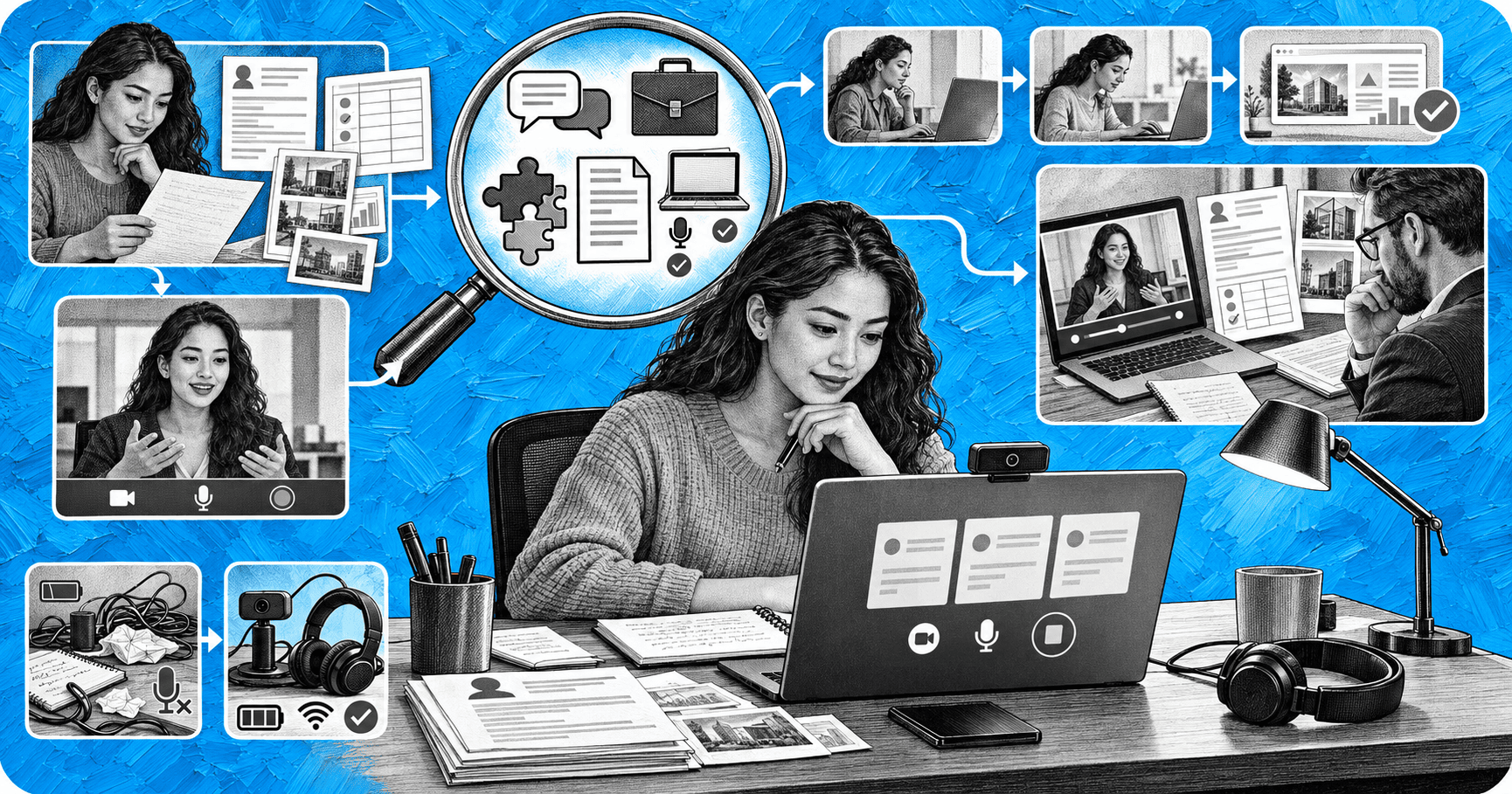
Most failed AI screening interviews fail on logistics, not answers.
Read the job description twice and pull out the three or four skills it mentions most. Look at the company’s product and recent news so you can answer “Why do you want to work here?”
Pick three or four real situations from your work, school, or volunteer history and shape each one with the STAR method:
Map each story to a skill from the job description.
Record yourself answering five common screening questions: tell me about yourself, why this role, a time you solved a problem, a time you worked with a difficult person, and your availability and salary expectations. Watch it back once. Most people talk too long.
Send a short thank you note to the recruiter or the contact named in the invite. Mention the role, one thing you are excited about, and your availability for next steps. If you had a technical problem, say so and ask whether a retake is possible.
For a look at the recruiter’s side of the process, see these top screening interview questions recruiters ask and these tips for virtual interviews.
Use this the day before and the hour before your AI screening interview.
The day before
One hour before
Right after
An AI screening interview is an early round of a job interview conducted by software. It can be an AI voice call, a chat, a one way video interview, or a conversation with an AI interviewer. It checks your interest, availability, and fit before you meet a recruiter or hiring manager.
Confirm the format, test your camera, microphone, and connection a day early, keep a photo ID ready, and prepare three or four STAR stories that match the job description.
On well designed platforms, your answers are compared with a rubric the employer created for the role. The rubric focuses on what you say and do, such as the relevance of your examples or whether your code works, rather than your accent or appearance.
No. The AI produces results and flags for a recruiter or hiring manager to review. People make the hiring decision.
Yes. Most one way video tools give you preparation time before recording, and AI interviewers expect a short pause. A few seconds to collect your thoughts reads better than a rushed start.
Dress as you would for an in person job interview at that company. Solid colors work best on camera. Make sure your face is well lit and your background is tidy.
A few bullet points off screen are usually fine for reminders. Reading full scripted answers sounds flat, and if the assessment is proctored, follow the rules in the invite.
Reopen the link right away. If you cannot resume, email the recruiter with the time and what happened. Most employers can reset or reschedule a session.
You now have the AI screening interview tips & preparation steps that matter most: know the format, fix the setup, bring real examples, and answer plainly. If you are an employer looking at this from the other side, see how Glider runs AI screening interviews with rubric based scoring, identity checks, and recruiter review, or call candidates within minutes with the AI voice recruiter. Learn more about the full platform at Glider AI.

Global hiring fraud hotspots are the countries and regions where documented candidate fraud and identity verification risk run highest, based on named industry indices rather than assumption. In 2026, that data points consistently in one direction: fraud vulnerability is concentrated in markets with weaker centralized identity infrastructure and fast growing digital hiring volume, led by […]
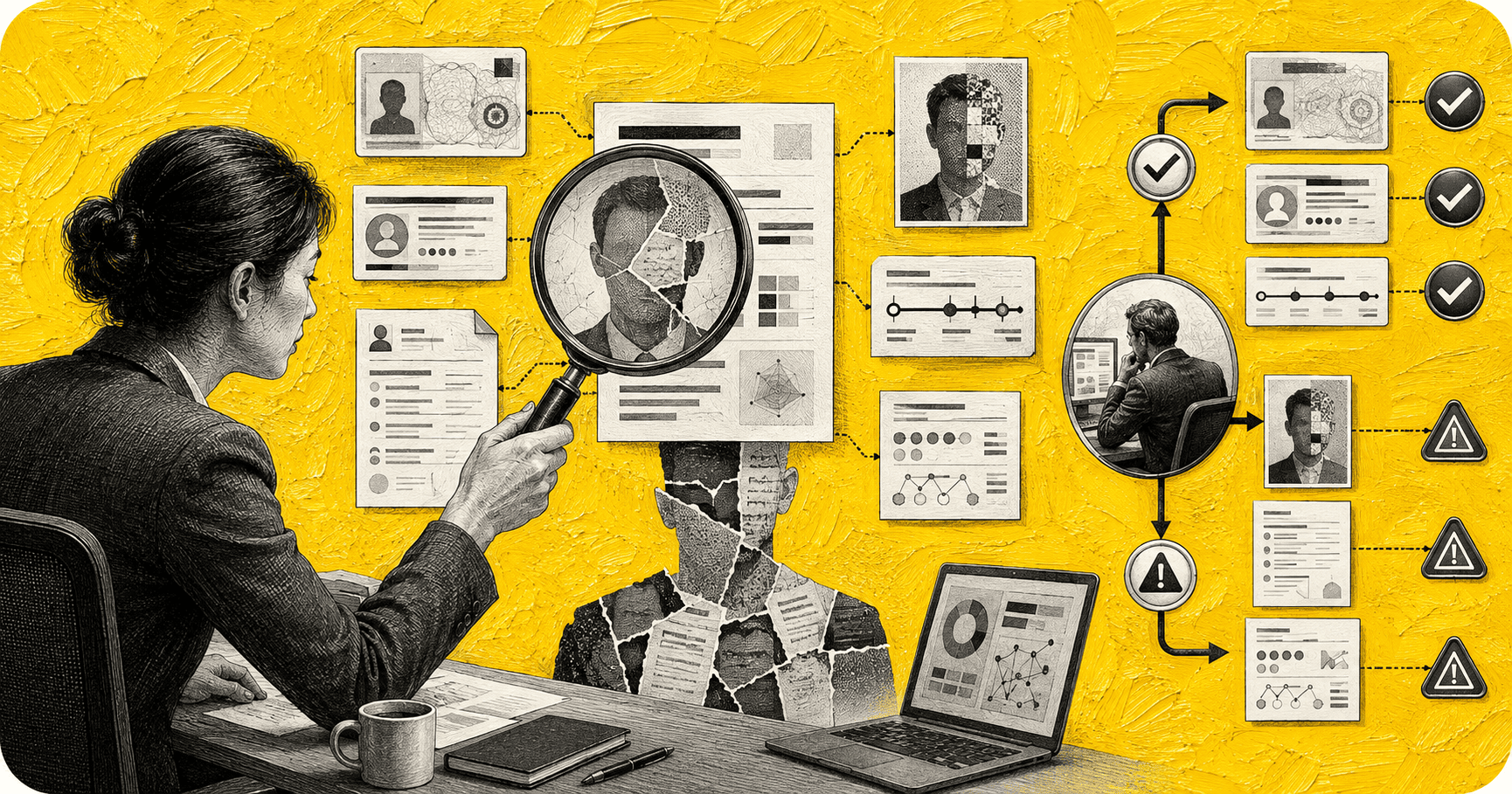
A synthetic candidate is a job applicant who does not exist as a single real person at all. The persona is assembled, usually by combining stolen or purchased personally identifiable information (PII) with an AI generated resume, an AI generated or composite photo, and an invented work history, into a package that looks, on paper […]

Hiring overqualified candidates is not automatically a mistake, but it is a decision that carries real, well documented risk if the role and the offer are not restructured around it. Recent survey data shows most employers already do this regularly: 70 percent of hiring managers say they typically consider candidates who are overqualified for the […]