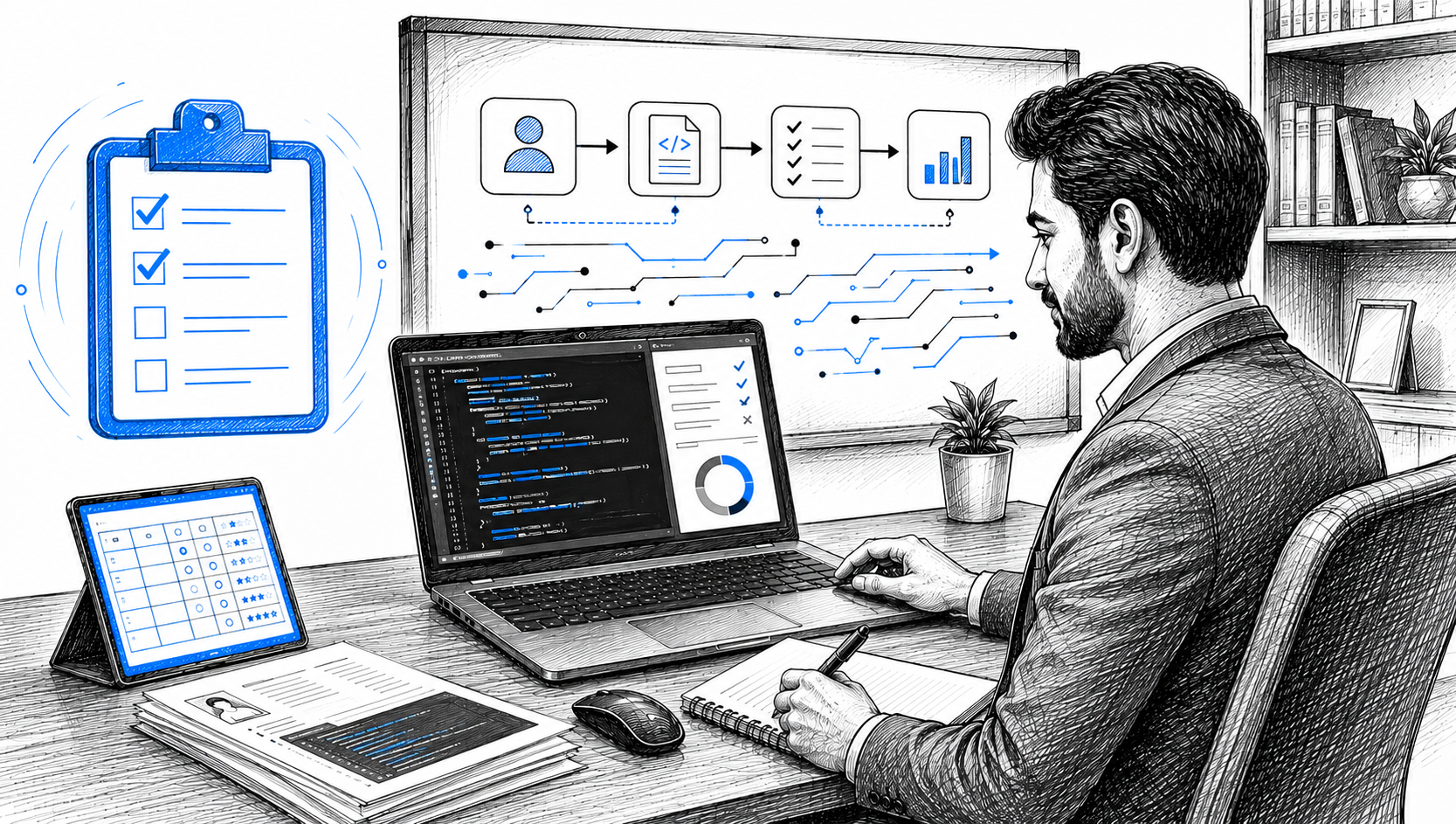
Make talent quality your leading analytic with skills-based hiring solution.
Most hiring teams don’t struggle to find applicants. They struggle to tell which ones can do the job. A resume says “proficient in Python.” An interview shows the candidate interviews well. Neither shows what happens when the candidate opens an editor and the code doesn’t compile.
The Glider assessment suite exists to get that evidence before a hiring manager spends an hour on a call. This guide explains what’s in the suite, how a Glider assessment runs from the employer’s side, and what candidates can expect when they receive one.
A Glider assessment is an online skills test an employer sends to candidates through Glider AI. It measures job relevant skills with tasks: writing code, solving a scenario, answering open ended questions on video or in text, or working through a role based exercise. The employer chooses which skills to test, how long the test runs and which proctoring settings are on. Results go back to the employer as a scored report.
Glider assessments sit inside a larger hiring flow: Engage (reach and screen candidates), Verify (confirm identity), Assess (test skills), Interview, and Learn (skill development after hire). The assessment step is where skill claims become evidence.
The suite brings five assessment types into one platform, so teams don’t stitch together separate tools for coding, functional and behavioral testing.
Technical Assessments cover software engineering, data and IT roles across 250+ languages and technologies, from Java and Python to MySQL, PostgreSQL and cloud platforms. Formats include multiple choice, coding problems, SQL queries, Jupyter Notebooks for data science and diagramming. Tests can be aligned to the role, the required skills and the seniority level.
Coding Simulations recreate the tools and constraints of the job. Instead of answering isolated questions, candidates build, debug and solve problems in a working project environment. For engineering teams, this is the clearest view of hands on readiness.
The AI Assistant supports candidates during supported technical assessments and live coding interviews. Candidates can ask clarifying questions and get coding or debugging help, the way they would on the job. Glider records how they used it, so reviewers see the reasoning and the prompts, not just the final answer.
Competency Assessments measure task performance for functional and non technical roles: customer support, sales, operations, finance and more. Exercises mirror the work, so they test judgment and process knowledge rather than recall. Glider’s library covers 200+ non technical and functional roles, and language proficiency tests are scored against the CEFR standard.
Behavioral Tests show work preferences, judgment patterns and interpersonal traits that a resume can’t. They are most useful next to skills evidence, not as a standalone filter.
Many people reading this received a Glider test link from an employer. Here’s what the experience usually looks like. The specifics vary because each employer configures its own test.
No, and copies that claim to be are unreliable. Glider’s question bank holds 200,000 questions maintained by a network of 2,000 subject matter experts, tests are assembled per role, and each session is watermarked with a unique candidate ID so leaked content can be traced. A PDF of “Glider questions and answers” won’t match the test you get, and employers treat leaked content as an integrity issue. Our post on leaked interview questions explains why employers watch for it.
The useful preparation is the skill itself. If you’re taking a Java test, practice Java problems. If it’s a customer support assessment, practice clear written answers to customer scenarios. Take the test in a quiet room with a stable connection and close other tabs before you start. If you need an accommodation, ask the employer before you begin; Glider supports special accommodations.
Each assessment type answers a different question. Technical assessments ask whether the candidate knows the material. Coding simulations ask whether they can apply it in a real environment. Competency tests ask whether they can do the job’s tasks. Behavioral tests show how they’re likely to work. The AI Assistant shows how they work with AI. Running them in one platform means one candidate record, one proctoring setup, one identity trail and one set of results in your ATS.
For a buyer’s view of the category, see what’s the best platform for technical skills assessments and coding interviews, or start from the skill assessment software overview.
The Glider test is an online skills assessment that employers send to candidates through Glider AI. It can include coding problems, SQL queries, multiple choice questions, video or written answers and role based scenarios, depending on how the employer set it up.
Most Glider assessments take 20 to 60 minutes. The employer sets the duration based on the role and how many skills it wants to test.
It can be. Employers choose which proctoring features to turn on, such as webcam, screen recording, browser tracking and identity checks. Candidates are asked for consent at each step before the test begins.
No reliable source exists. Tests are assembled per role from a large, refreshed question bank, and each session is watermarked to trace leaks. Prepare by practicing the skills named in the job description.
Glider supports 35+ question types, including multiple choice, coding in a built in editor, full project simulations, SQL and Jupyter Notebook tasks, diagramming, and open ended video or text answers.
Yes. Employers can align tests to job requirements, seniority, specific technologies and role competencies, set rubrics and thresholds, and configure proctoring and branding.
Yes. Competency assessments cover 200+ non technical and functional roles, and language tests measure proficiency against the CEFR scale.
Results appear in a scored report with any proctoring evidence attached, and Glider integrates with ATS and HR platforms so results stay in your existing hiring workflow.
The point of a skills assessment isn’t a score. It’s a decision the hiring manager can defend, made with evidence that the candidate, and not a stand in, can do the work. Book a demo to see the Glider assessment suite with your own roles.

Take home assignment outsourcing happens when a candidate has someone else, a freelancer, a friend, or a paid ghost writing service, complete their take home coding, design, or writing test for them. Because the assignment is done alone, on the candidate’s own schedule, and away from any interviewer or proctor, nothing about the format itself […]

Leaked interview questions are exact, or nearly exact, copies of a company’s real assessment or interview questions that have been collected, compiled, and shared, often for a price, so that later candidates can memorize the answer before they ever see the question live. This is a test bank leak: a candidate is not solving a […]

You posted one backend role and got 900 applicants. Some can code. Some can explain their code. A few used a proxy test taker last time they applied somewhere. The tool you choose for the first screen decides which of those people reach your hiring managers, so picking it is worth more than an afternoon […]